
There’s no shortage of places to buy Bitcoin in the U.S. Payment apps, brokerages, crypto exchanges, even ETFs in a regular retirement account. So if you’re considering Binance.US, the real question isn’t just how to buy. It’s whether this platform fits the way you want to buy, and how to set things up so you don’t overpay or take on risk you didn’t need to. That’s what Buying BTC Through Binance.us Explained is about.
Instead of a click-by-click tutorial, this guide helps you plan. We’ll look at who Binance.US works well for, walk through four common buyer scenarios, compare it with other ways to get Bitcoin exposure, and finish with a security checklist and a plan for what to do after you buy.
Heads-up: fees, features, and state availability change. Everything here reflects Binance.US’s published information as of September 2026. Confirm the current details on the official website before you commit any money.
Buying BTC Through Binance.us Explained: The Short Version
Binance.US is a U.S.-focused crypto exchange, separate from the global Binance.com platform. You create an account, verify your identity, deposit dollars, and buy Bitcoin either through a simple Buy screen or through an Advanced trading screen with an order book.
Here’s what defines the experience:
- Very low trading fees on Advanced trading. At the time of writing, maker orders cost 0% and taker orders cost around 0.02% on most pairs.
- Free ACH deposits and withdrawals. Moving dollars in and out through your bank costs nothing on the Binance.US side.
- Expensive card purchases. Buying with a debit or credit card costs 3.99% plus any issuer fees.
- Not available everywhere. Several states aren’t supported, and a couple only allow crypto deposits, not USD.
- Full control over withdrawals. You can move your Bitcoin to your own wallet whenever you want.
If those points line up with what you need, Binance.US is worth a serious look. If they don’t, you’ll see better options further down.
Who Binance.US Is a Good Fit For (and Who It Isn’t)
Not every platform suits every buyer. Here’s an honest breakdown.
| Binance.US Fits Well If You… | You Might Prefer Something Else If You… |
|---|---|
| Want the lowest possible trading costs | Live in an unsupported state such as New York or Texas |
| Plan to buy regularly or in meaningful amounts | Want to buy Bitcoin inside a retirement account |
| Are comfortable learning a basic trading screen | Only want to buy a tiny amount once and never think about it again |
| Want the option to withdraw BTC to your own wallet | Need to pay by card every time, since that’s the most expensive route here |
| Don’t mind a few days’ wait for ACH deposits to settle | Want your Bitcoin bundled with stocks and banking in one app |
None of this makes Binance.US good or bad on its own. It just means the platform rewards people who are willing to spend ten minutes learning how it works.
Before You Buy: Check These Four Things
A little prep saves a lot of frustration later.
1. Your State’s Availability
Binance.US groups U.S. locations into fully supported, crypto-only, and unsupported. At the time of writing, crypto-only states are Kansas and Wisconsin, where you can’t deposit USD. Unsupported locations include Alaska, Connecticut, Georgia, Maine, New York, North Carolina, North Dakota, Ohio, Oregon, Texas, Vermont, Washington, and several U.S. territories. If you’re in one of those, stop here and look at the alternatives section.
2. Your Budget and Timeline
Decide how much you want to put into Bitcoin and over what period. A one-time $5,000 purchase calls for a different approach than $100 a month for two years. Bitcoin can swing sharply in both directions, so only use money you won’t need in the short term.
3. Your Payment Method
If you can wait a few days, a bank transfer through ACH is the cheapest way in. If you need to buy right now, a card works but costs much more. More on this below.
4. Where You’ll Keep Your Bitcoin
Decide upfront whether you’ll leave your BTC on the exchange or move it to a personal wallet. If you plan to hold for years, it’s worth setting up a wallet before you buy so you’re ready.
Four Buyer Scenarios: Which Approach Fits You?
Here’s where Buying BTC Through Binance.us Explained gets practical. Most buyers fall into one of these four situations.
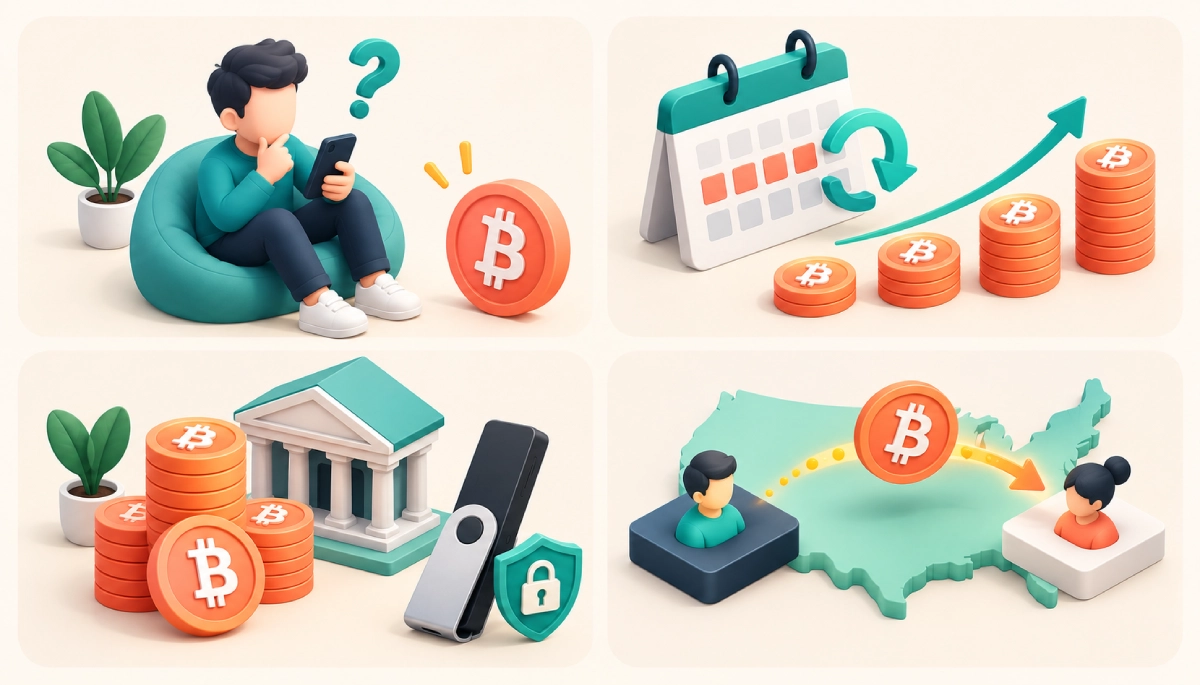
Scenario 1: The First-Time Buyer With $100
You’re curious, you want to own a little Bitcoin, and you’d like to learn without much risk.
Best approach: deposit $100 through ACH, then use the simple Buy screen for your first purchase so you can see how it works. Once you’re comfortable, try a small limit order on the Advanced screen to learn how it differs. At this size, the spread on the simple Buy screen costs you very little in dollar terms, and the lesson is worth it.
Avoid: paying by card just to skip the ACH wait. On $100, the 3.99% card fee is almost $4, which is a big bite out of a small purchase.
Scenario 2: The Monthly Saver
You want to put a fixed amount into Bitcoin every week or month, regardless of price. This is dollar-cost averaging.
Best approach: set up a regular ACH deposit, then either use Binance.US’s recurring buy feature for convenience or place your own limit order each time you deposit for the lowest cost. Recurring buys run automatically, but their pricing typically follows the simple Buy model with the spread built in. Manual limit orders take a minute of effort and usually cost nothing in trading fees.
Avoid: checking the price ten times a day. The whole point of this approach is that timing doesn’t matter much.
Scenario 3: The Larger One-Time Purchase
You’ve decided to put a bigger amount, say $10,000 or more, into Bitcoin.
Best approach: fund with a wire transfer for faster settlement (Binance.US doesn’t charge for incoming wires, though your bank may). Then use limit orders on the Advanced screen. You can also split the purchase into several smaller limit orders at slightly different prices to reduce the impact of short-term swings. Once the purchase is complete, move most of it to a hardware wallet.
Avoid: one giant market order during a volatile moment. You’ll pay the taker fee and risk slippage.
Scenario 4: The Crypto-Only State Resident
You live in Kansas or Wisconsin, where USD deposits aren’t available on Binance.US.
Best approach: you can still open an account and deposit crypto you bought elsewhere. For most people, though, it’s simpler and cheaper to buy Bitcoin directly on a platform that accepts USD in your state. Sending crypto between platforms just to trade on Binance.US adds network fees and extra steps.
| Scenario | Funding | How to Buy | Where to Store |
|---|---|---|---|
| First-time, $100 | ACH | Simple Buy first, then try a limit order | Exchange is fine while learning |
| Monthly saver | Recurring ACH | Recurring buy or manual limit orders | Withdraw to your own wallet periodically |
| Larger purchase | Wire | Several limit orders on Advanced | Hardware wallet |
| Crypto-only state | Crypto deposit | Advanced trading | Your own wallet |
Choosing How to Pay
Your payment method is one of the biggest factors in what you end up paying. Here’s how the options compare on Binance.US.
| Payment Method | Binance.US Fee | Speed | Choose It When |
|---|---|---|---|
| ACH bank transfer | Free | A few business days to settle | You’re not in a rush, which is most of the time |
| Wire transfer | Free (bank may charge) | Often same or next business day | You’re moving a larger amount |
| Debit/credit card | 3.99% + issuer fees | Instant | You need to buy right now and the amount is small |
| Crypto deposit | Free (sender pays network fee) | Depends on network confirmations | You already hold crypto elsewhere |
A quick note on ACH: Binance.US may let you trade before a deposit fully settles, but it can hold withdrawals of the crypto you bought until the money clears. That’s a normal anti-fraud measure, not a problem with your account.
Choosing How to Buy: Simple Buy vs. Advanced Trading
Binance.US gives you two ways to actually place a Bitcoin purchase.
The Simple Buy Screen
You enter an amount in dollars, see a quote, and confirm. There’s no separate fee line, but the cost is built into the spread, so the quote is a little higher than the true market price. It’s the easiest option and works well for small or first-time purchases.
The Advanced (Spot) Trading Screen
You trade directly against the order book. You can place a market order to buy right away, or a limit order to buy only at the price you choose. Limit orders that wait on the order book count as maker orders, which currently cost 0%. Market orders count as taker orders, currently around 0.02% on most pairs.
| Simple Buy | Advanced Trading | |
|---|---|---|
| Learning curve | None | About ten minutes |
| Cost structure | Spread built into the quote | 0% maker / ~0.02% taker |
| Price control | Accept the quote | Set your own price |
| Ideal for | Small, occasional buys | Regular or larger buys |
If you plan to buy more than a couple of times, spending a few minutes on the Advanced screen is one of the most valuable things you can do.
How Binance.US Compares With Other Ways to Buy Bitcoin
Binance.US is just one route to owning Bitcoin. Here’s how it stacks up against the other common options, in general terms.
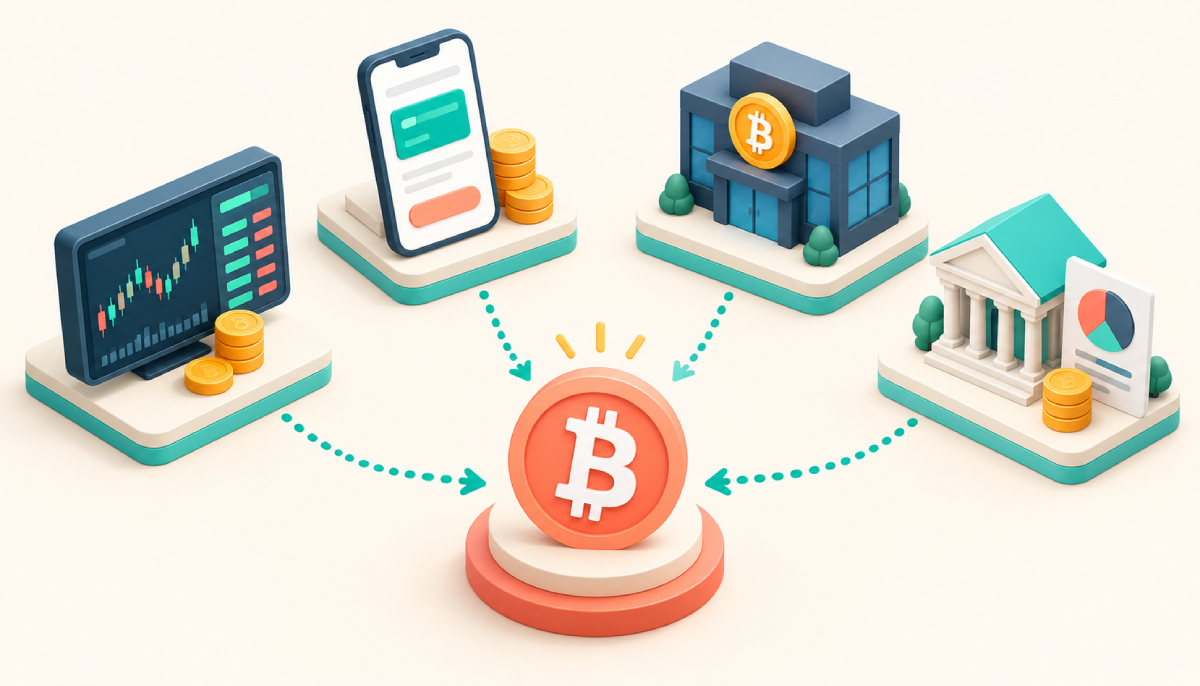
| Option | How It Works | Strengths | Trade-Offs |
|---|---|---|---|
| Binance.US | Dedicated crypto exchange | Very low trading fees, withdraw to your own wallet, advanced order types | Not available in every state, small learning curve |
| Payment and investing apps | Buy BTC inside an app you already use | Very easy, familiar interface | Costs are often higher, and some apps limit or complicate withdrawals to your own wallet |
| Other crypto exchanges | Competing U.S. exchanges | Wider state coverage on some, different coin lists | Fee structures vary widely, so compare carefully |
| Spot Bitcoin ETFs | Buy shares of a fund that holds Bitcoin through a regular brokerage | Works in retirement and brokerage accounts, no keys to manage | You don’t own actual Bitcoin, can’t withdraw it, and pay an annual fund fee |
The right choice depends on your priorities. If you want to own actual Bitcoin at a low cost and have the option to hold it yourself, an exchange like Binance.US makes a lot of sense. If you just want price exposure inside a retirement account, an ETF may fit better.
Security Checklist Before and After You Buy
Security is the part people skip, and it’s the part that matters most when something goes wrong. Work through this list.
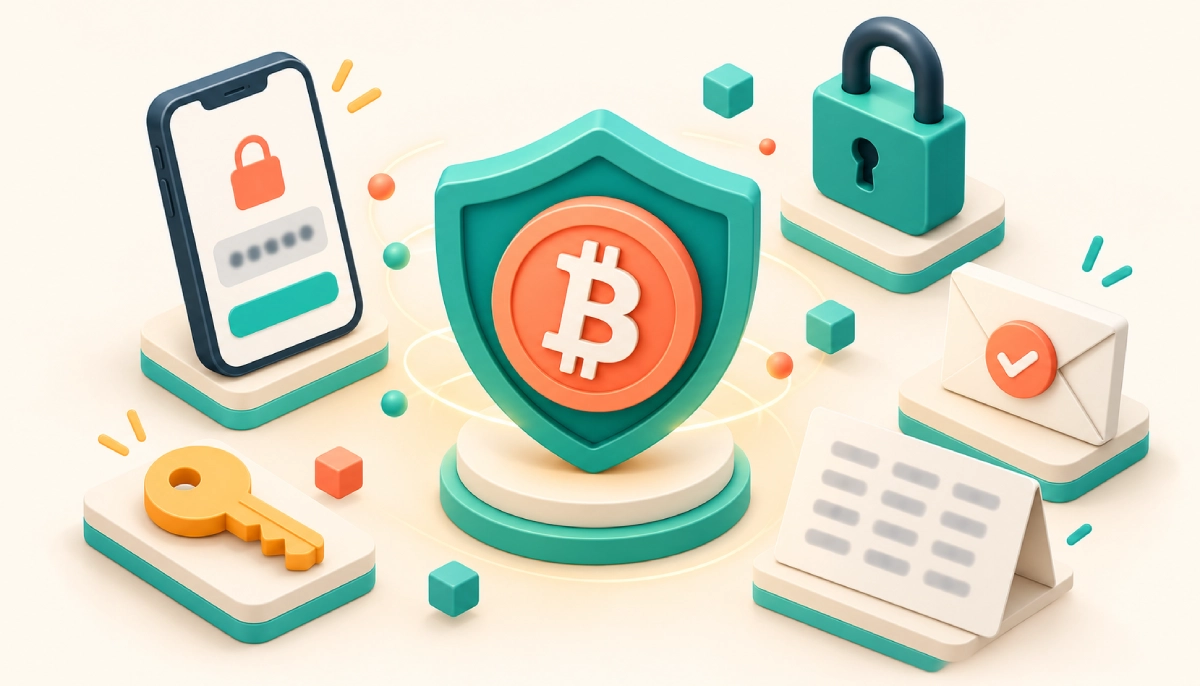
- Download the app only from the official App Store or Google Play listing, or type the website address yourself. Fake apps and look-alike sites exist.
- Use a unique, strong password stored in a password manager.
- Turn on app-based two-factor authentication. Authenticator apps are safer than SMS codes.
- Set an anti-phishing code so you can tell real Binance.US emails from fake ones.
- Enable withdrawal address whitelisting so crypto can only go to addresses you’ve approved.
- Never share your 2FA codes or recovery phrase with anyone, including people claiming to be support staff.
- Be skeptical of “guaranteed returns” offers, giveaways, or anyone asking you to send crypto to “verify” your account. These are scams.
- Test withdrawals with a small amount before moving larger sums to a new wallet address.
What to Do After You Buy
Buying is only the start. Here’s a simple post-purchase routine.
Decide on Storage
If you’re holding long term, consider moving your Bitcoin to a wallet you control. A hardware wallet offers the strongest protection for larger amounts. Write your recovery phrase on paper and store it somewhere safe and offline. Binance.US charges a variable, network-based fee for crypto withdrawals, so it usually makes sense to withdraw in fewer, larger batches.
Keep Records
Download your transaction history regularly. In the U.S., crypto is generally treated as property for tax purposes. Buying with dollars usually isn’t taxable by itself, but selling, trading, or spending Bitcoin typically is. U.S. platforms now report customer sales to the IRS on Form 1099-DA, so your records should match what gets reported. This is general information, not tax advice.
Set a Plan and Stick to It
Decide in advance what you’ll do if the price drops 30% or doubles. Having a plan keeps you from making emotional decisions at the worst possible moment.
Know How to Cash Out
If you ever want to sell, Binance.US lets you withdraw USD to your bank through ACH for free, or by wire for a flat $25 plus bank fees. Knowing this ahead of time means no surprises later.
Costs at a Glance
Here’s a quick summary of the costs you’ll run into when buying BTC through Binance.US:
| Cost | Amount (at time of writing) |
|---|---|
| ACH deposit and withdrawal | Free |
| Wire deposit | Free (bank may charge) |
| Wire withdrawal | $25 flat + bank fees |
| Card purchase | 3.99% + issuer fees |
| Simple Buy/Sell/Convert | Spread built into the quote |
| Advanced trading, maker | 0% |
| Advanced trading, taker | Around 0.02% on most pairs |
| BNB fee discount | 5% off Advanced trading fees |
| Crypto withdrawal | Variable, network-based |
Mistakes That Cost Buyers the Most
- Paying by card out of impatience. A few days of waiting for ACH can save you almost 4%.
- Using only the simple Buy screen forever. It’s great to start with, but regular buyers leave money on the table.
- Buying in an unsupported state through a VPN. This can get your account frozen. Don’t do it.
- Skipping security setup. Most account losses come from phishing and weak security, not from the exchange itself.
- Going all-in at once without a plan. Spreading purchases out reduces the stress of bad timing.
- Forgetting about records. Rebuilding a year of transactions at tax time is painful.
Frequently Asked Questions
Is Binance.US the same as Binance?
No. Binance.US is a separate platform built for U.S. customers, with its own accounts, fees, and list of coins. U.S. residents can’t use the global Binance.com site.
Is Binance.US a good place to buy Bitcoin?
For many U.S. buyers, yes, especially if you want low trading fees and the option to withdraw to your own wallet. It’s less suitable if you live in an unsupported state, want to buy inside a retirement account, or only ever want to pay by card.
How much money do I need to start?
You can buy a small fraction of a Bitcoin, and the minimum order is typically just a few dollars. Check the order screen for the exact minimum on your trading pair.
Should I use recurring buys or place orders manually?
Recurring buys are convenient and remove the temptation to time the market. Manual limit orders on the Advanced screen usually cost less. If you value simplicity, use recurring buys. If you want the lowest cost, place your own limit orders on a schedule.
Can I buy Bitcoin on Binance.US in New York or Texas?
Not at the time of writing. Both are on Binance.US’s list of unsupported states. Residents there will need to use another platform.
Is it better to buy Bitcoin on Binance.US or through an ETF?
It depends on your goal. Buying on Binance.US gives you actual Bitcoin that you can withdraw and control. A spot Bitcoin ETF gives you price exposure through a regular brokerage or retirement account, but you can’t withdraw the underlying Bitcoin, and the fund charges an annual fee.
How long does the whole process take?
Account creation and verification can be done within minutes in many cases, though reviews sometimes take longer. ACH deposits take a few business days to settle. Once funds are available, the purchase itself takes seconds.
Should I leave my Bitcoin on Binance.US?
Leaving it there is convenient if you plan to trade or sell soon. For long-term holding, many people prefer a personal wallet, since exchange balances are custodial and aren’t covered by FDIC insurance.
Can I sell my Bitcoin on Binance.US and get dollars back?
Yes. You can sell BTC for USD on the platform and withdraw to your bank account for free via ACH, or by wire for a flat $25 fee plus bank charges.
Final Thoughts
Buying Bitcoin is easy. Buying it well takes a bit of planning. Check that your state is supported, pick the funding method that matches your timeline, learn the Advanced screen if you’ll buy more than once, lock down your account security, and decide where your Bitcoin will live before you buy it.
We hope Buying BTC Through Binance.us Explained helped you figure out not just how the platform works, but whether it’s the right fit for you and how to use it well. Whatever you decide, start with an amount you’re comfortable with, stick to a plan, and never invest more than you can afford to lose.
Disclaimer: This article is for educational purposes only and does not constitute financial, investment, or tax advice. Cryptocurrency is highly volatile and involves risk. Fees, features, and availability may change, so always verify current details on Binance.US’s official website.